

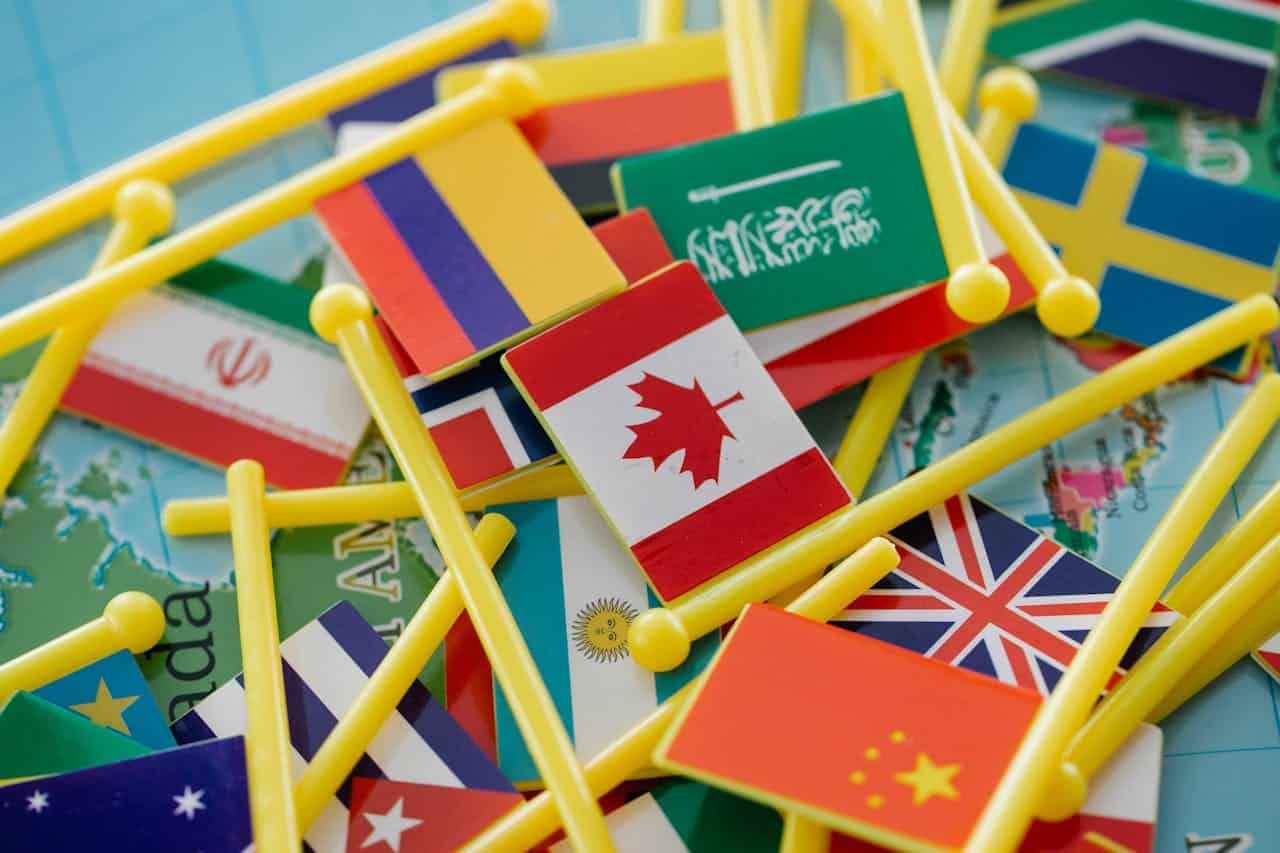
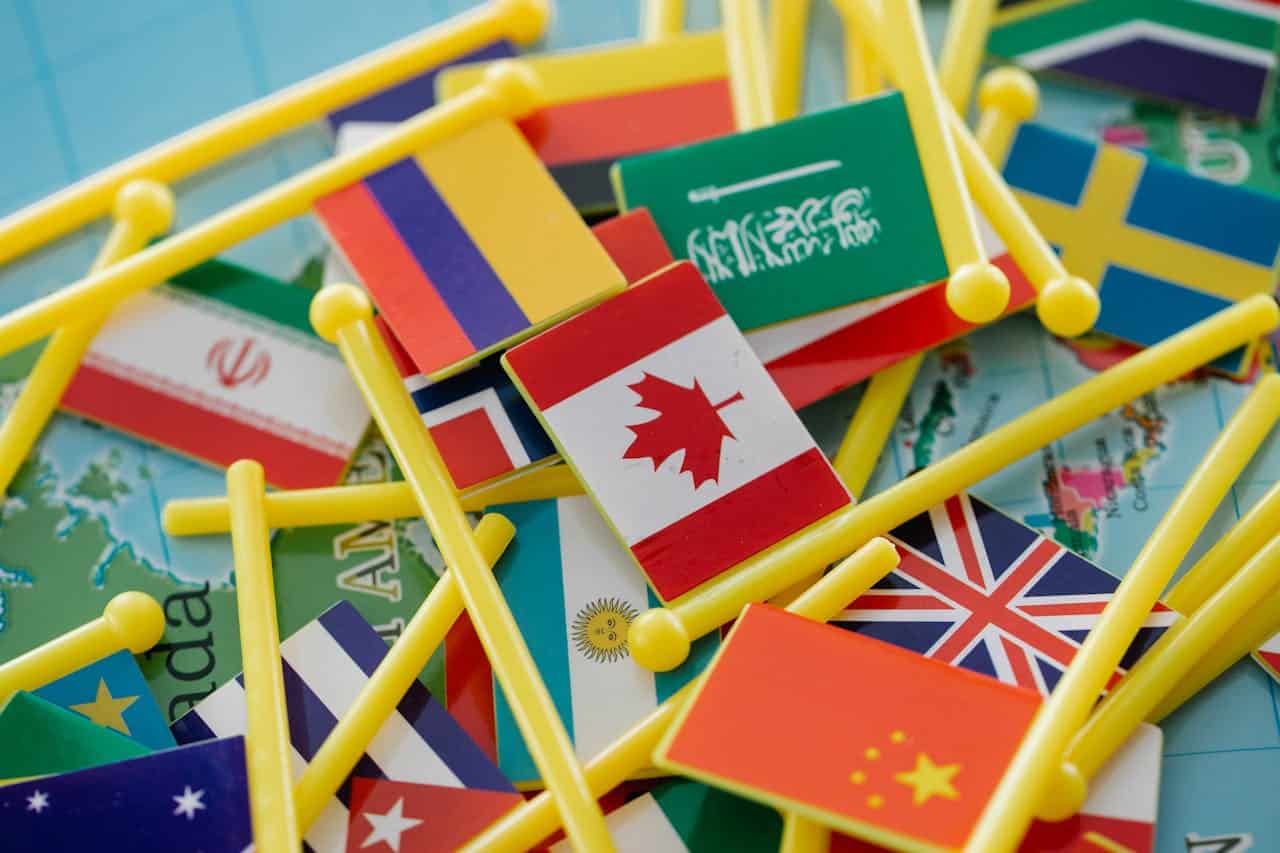
Implementing country flags looks simple: drop an icon next to a language name, ship it, and move on. In practice, that tiny rectangle drives essential cues about language, region, and identity. If the flag is blurry, incorrectly scaled, or missing altogether, users notice – and they judge the whole interface by that small flaw. The good news is that GeoPlugin now offers a fresh “Free Flags” tool that removes the asset-hunting headache.
Below is a hands-on guide for designers, front-end developers, and product managers who want to fold those flags into products without compromising usability, localization clarity, or visual polish.
Why Country Flags Still Matter
Country selectors, shipping calculators, travel dashboards, even casual games: each uses flags as shorthand for place. A well-drawn flag registers faster than text because our brains process shape and color simultaneously. That micro-speed boost shapes the perceived snappiness of the whole UI.
Flags also anchor trust. When someone chooses a language at sign-up and sees the expected emblem, they gain confidence that the app actually supports their locale. Conversely, a wrong flag feels disrespectful and sparks support tickets. Finally, free country flags help differentiate similar language codes – think en-US versus en-GB – without dumping extra words into tight layouts.
When Flags Mislead Rather Than Help
There are caveats. A flag is a symbol for a country, not a language. Spanish speakers in Mexico may accept the Mexican flag for “es-MX,” but Spanish speakers in the U.S. might feel invisible. Political disputes – Taiwan, Kosovo, Palestine – can also ignite user backlash. The safest pattern pairs a flag with the explicit country or language label and provides an opt-out for regions where flags are sensitive. GeoPlugin’s catalog includes every UN-recognized country plus disputed territories, so you have the assets; the responsibility for correct context is still yours.
Getting to Know GeoPlugin’s Free Flag Library
The newest addition to GeoPlugin’s toolbox centers on free country flags packaged for immediate use. You browse by name or ISO-3166 code, then choose between SVG, PNG, or WebP. Because SVGs are vectors, one file scales from a 16-pixel dropdown to a 4K hero banner without fuzziness. PNGs give you pixel-perfect snapshots at preset sizes, handy for email clients that don’t fully trust SVG. WebP cuts image weight by roughly 25-30% on average, a gift for mobile performance.
GeoPlugin hosts each asset on its own CDN and allows direct download, so you can either self-host or hotlink. Licensing is straightforward: Creative Commons Attribution-ShareAlike 4.0. That means commercial use is fine, but you need to credit the source in your about page or in-app acknowledgments. Because everything is free and version-controlled, you skip the recurring hunt for up-to-date flags when countries revise their designs – an occurrence more common than most teams realize.
A subtle bonus lies in naming conventions. Files follow a predictable pattern: flag-{iso2}.svg. Automated builds can grab flag-jp.svg or flag-br.webp on the fly, letting you populate country pickers from the same dataset that drives currency or locale logic. That consistency trims manual mapping errors during QA sprints.
Batch Versus On-Demand Workflows
If your app targets just a few regions, download those flags as a static bundle and pop them in your component library. For global products, consider lazy-loading flag assets at runtime. Import only the subset each user might see – perhaps their country, nearest neighbors, and any countries appearing in dynamic content. Lazy loading with loading=”lazy” or modern JavaScript imports keeps the initial payload small, guarding your Largest Contentful Paint (LCP) score (HTTP Archive 2024 puts the median image weight on mobile at 899 KB; every byte you shave matters).
Design Tips for Using Flags Consistently
A flag is only helpful if it looks crisp, aligns correctly, and carries the same visual weight across the interface.
Pick the Right Format for the Job
Use SVG for responsive components – dropdowns, infocards, and dashboards that stretch from phone to desktop. Inject the SVG inline if you need to tint or animate parts; otherwise, reference it via or background-image.
Stick with PNG or WebP in environments where inline SVG is blocked (older HTML emails, some embedded browsers). GeoPlugin provides both formats at 16 px, 24 px, 32 px, and 64 px. Choose the smallest size that stays crisp on a 2× display.
Avoid mixing formats in the same module. If one list item uses PNG and another uses SVG, subtle anti-aliasing differences creep in.
Preserve Aspect Ratio and Padding
Flags have no single aspect ratio: Switzerland is square, and Nepal is a double triangle. Hard-cropping everything to 4:3 breaks authenticity. Instead, set a max height and let width flow. Wrap each flag in a container that has uniform padding, then align content based on that box – not on the image edges. This keeps irregular shapes from looking misaligned.
Recolor Only With Permission
That playful monochrome UI you sketched might tempt you to recolor assets. Resist. Flag color often carries political or historic significance. If you must do hover effects, outline or shadow the flag, but do not tint it.
Improving Usability in Country Pickers
Good tooling still needs thoughtful interaction design.
Pair Flag and Text for Clarity
Sighted users spot color instantly, but screen-reader users and color-blind users rely on the text label. Always couple the flag with the country or language name inside the same clickable element. The label also avoids ambiguity for similar flags – Romania vs. Chad, Indonesia vs. Monaco.
Respect Accessibility Roles
Add role=”img” and aria-label=”Flag of {Country}” for inline SVG. If the flag repeats information already present in the label, mark it aria-hidden=”true” to prevent redundancy. WCAG 2.2 treats flag icons as decorative only when they add no new meaning; in a picker, they often do convey meaning, so annotate responsibly.
Keyboard Navigation Still Matters
Dropping flags into a scrollable list without keyboard hooks frustrates power users. Ensure the picker allows arrow-key traversal and type-ahead search. Because GeoPlugin filenames match ISO codes, mapping keystrokes to automatic scroll positions becomes trivial.
Performance and Delivery Considerations
Shipping a hundred tiny images can still inflate bundles if you’re careless.
Bundle Versus Lazy Load
During the build step, use a script to copy only the flags you reference. For React or Vue projects, a dynamic import like import(assets/flags/${code}.svg) fetches the specific image when the component mounts. Pair that call with an error fallback to catch missing codes early.
CDN and Caching
If you opt to hotlink GeoPlugin’s CDN, leverage the immutable query string (?v=20260101) they include in each URL. Set your headers to Cache-Control: public, max-age=31536000, immutable so returning visitors never redownload unchanged assets. Edge caching provides sub-50 ms latency for most flag requests, a trivial yet satisfying gain for snappy UI.
Final Thoughts
Flags are tiny, but they punch above their weight in user perception. GeoPlugin’s Free Flags tool eliminates the licensing, format juggling, and update chores that used to slow teams down. Treat those assets with the same care you give typography or spacing: choose the right file type, honor the original proportions, and layer accessibility from the start.
By adding these easy steps to your daily routine, you make sure that every user, from Lagos to Lisbon, has a smooth and respectful experience the first time they use your product. That’s the quiet strength of getting the little things right.
