

2 min readNew DelhiMay 11, 2026 09:18 AM IST
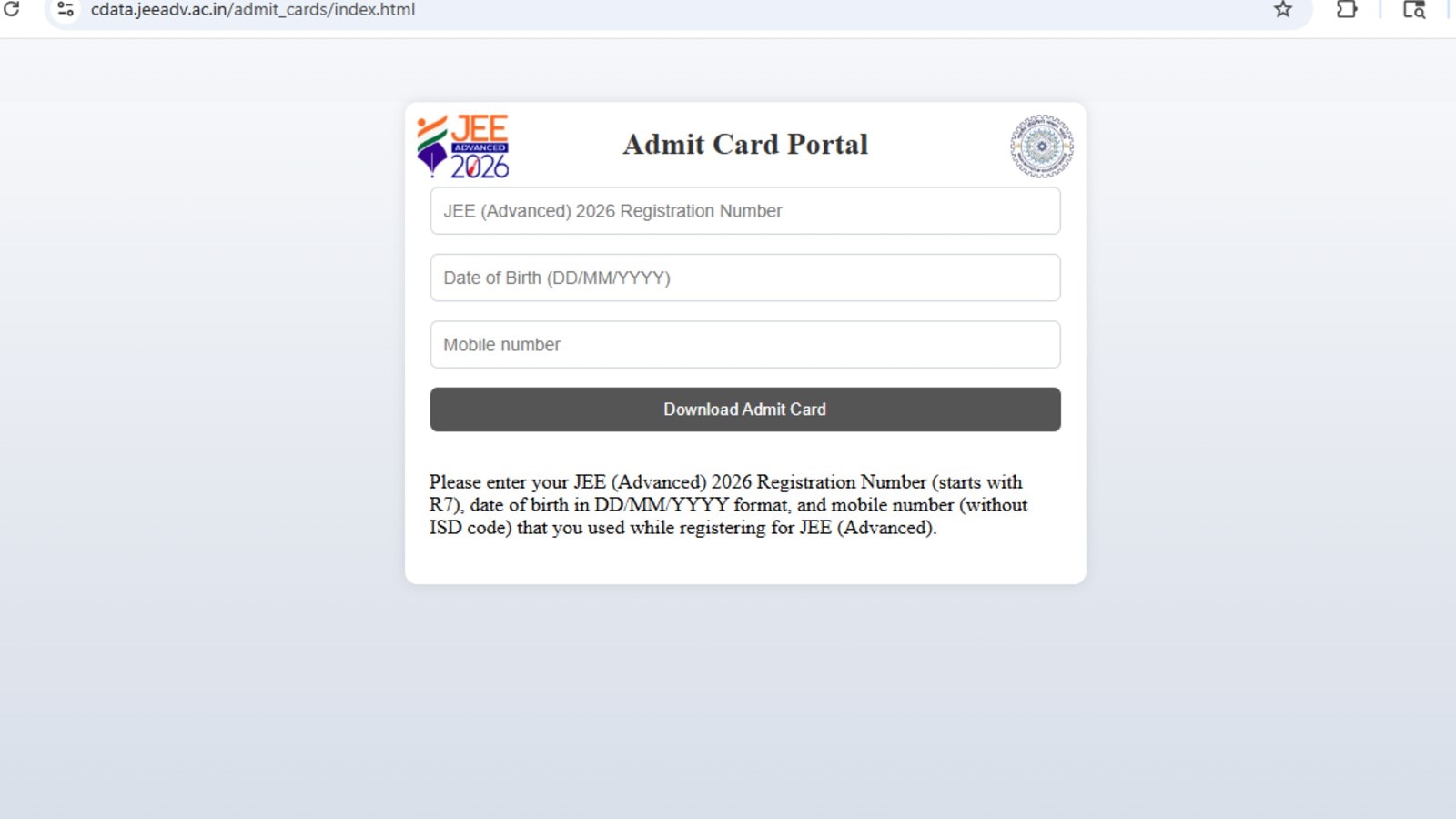
IIT Roorkee, the organizing institute for the Joint Entrance Examination (JEE) Advanced 2026, on May 11 released the admit card. Applicants can download their admit card from the official website – jeeadv.ac.in – by logging in with their registration number, date of birth and mobile number.
The applicants can expect to find the following details on the admit card – name, roll number for JEE Advanced, category, application number, signature, date of birth, address for correspondence and a photograph of the candidate. Applicants are advised to carefully go through their admit card details and in case of an inaccuracy or inconsistency, they should immediately report it to the concerned authorities. They should contact the Chairperson, JEE (Advanced) 2026 of the respective Zonal coordinating IIT and seek rectification at the earliest.

Here’s how to download the admit card :
Follow these steps to download the admit card :
Step 1 : Visit the official website – jeeadv.ac.in.
Step 2 : Look for the link to download the admit card, it will be available under the announcement section.
Step 3 : Enter the JEE Advanced registration number and password.
Step 4 : Click the button to download the admit card.
Step 5 : A new window will open which will display the admit card.
Step 6 : Download and print the admit card prior to entering the examination centre.
Examination pattern
The examination is set to happen on May 17, 2026 in two shifts. The first shift will run from 9:00 am to 12:00 pm while the second shift will span from 2:30 pm to 5:30 pm. One hour extra will be given to the PwD candidates. Additionally, the question paper will be set in English and Hindi. The applicants can switch between either of the languages even during the exam. The paper does have negative marking – for every wrong response one mark will be deducted while four marks will be given in case of a correct response. No marks will be given in case of an unattempted question.
