

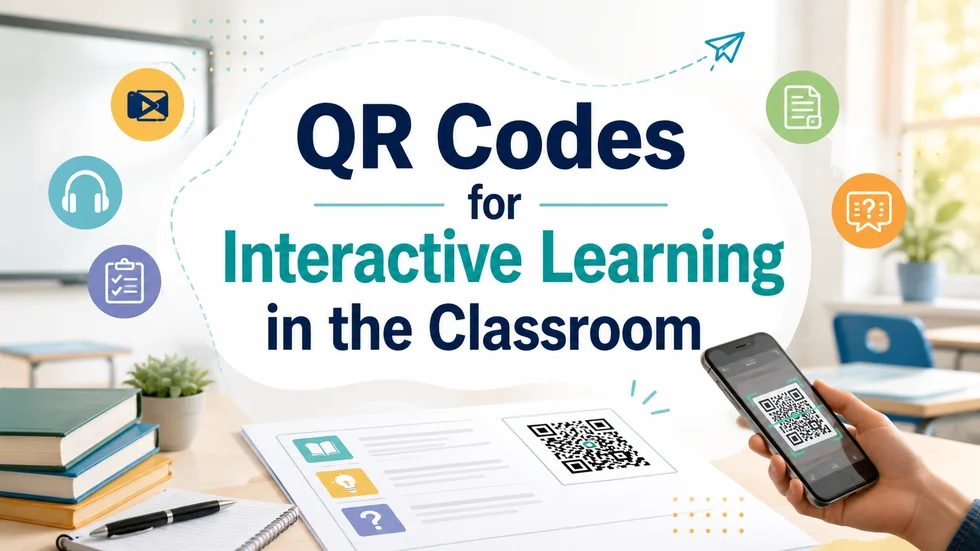
A teacher tapes a worksheet to the board. A student scans the small square in the corner, and a two-minute clip starts playing. No login, no handout, just a scan.
That square is a QR code, and it turns static printed material into a doorway to digital resources. QR codes for interactive learning let students move from a page to a video, quiz, or recording at their own pace. This guide covers why they work, where they fit, and what to check first.
Key Takeaways
- QR codes for interactive learning let students scan printed material to reach videos, quizzes, and audio.
- They run on phones and tablets students already own, avoiding new hardware costs.
- Dynamic codes let teachers edit the linked content and track scans without reprinting a page.
- Classroom uses include self-paced revision, digital assignments, feedback, attendance, and gamified activities.
Why Interactive Lessons Outperform Passive Reading
Students learn more when they act on material instead of only reading it. A 2014 meta-analysis of 225 studies by Scott Freeman and colleagues at the University of Washington, published in PNAS, found that students in traditional lectures were 1.5 times more likely to fail than peers in active learning classes.
A scan sends a student to a short explainer, a quiz, or an audio guide that asks for a response. The action, not the code, does the teaching.
Where QR Codes Support Interactive Learning
You can attach a code to almost any printed item. Teachers commonly use them to:
- Link textbook pages to explainer videos for revision.
- Turn worksheets into assignments students open on a phone.
- Add model answers or feedback to returned assessments.
- Mark attendance with a quick scan at the start of class.
- Build quizzes and scavenger hunts that reward each scan.
The University of Manchester uses QR codes for lecture podcasts, course materials, and attendance.
Dynamic QR codes make this practical over a full term. You can edit the destination anytime, so one printed code can point to a new resource each week without reprinting. You can also track scans by time and device, showing which materials students actually use. Scanova offers this on a 14-day free trial, and its guide to QR codes in the classroom shows the setup.
What to Check Before You Print
QR codes only help when students can scan them easily. Print each code at least one inch wide, keep strong contrast, and test it on a phone before making copies.
Students also need reliable Wi-Fi, and the linked page must open cleanly on a phone. A slow or desktop-only page loses the class fast.
Used well, QR codes turn ordinary handouts into interactive, self-paced learning without new budgets or devices. They will not rescue a weak lesson, but they give students an easy way to act on what they read.
