

3 min readNew DelhiUpdated: May 3, 2026 10:41 PM IST
HPBOSE 12th Result 2026: The Himachal Pradesh Board of School Education is set to declare the HPBOSE Class 12 Result 2026 on May 4, 11 am. Students who appeared for the board exams will be able to check their scores shortly after the official announcement. The result will be released for all streams, Science, Commerce, and Arts.
Students can access their results on the official websites, including hpbose.org. In case of heavy traffic or slow response, DigiLocker will serve as an alternate option. The DigiLocker platform allows students to download digitally verified marksheets. Additionally, HPBOSE results will also be available at education.indianexpress.com.

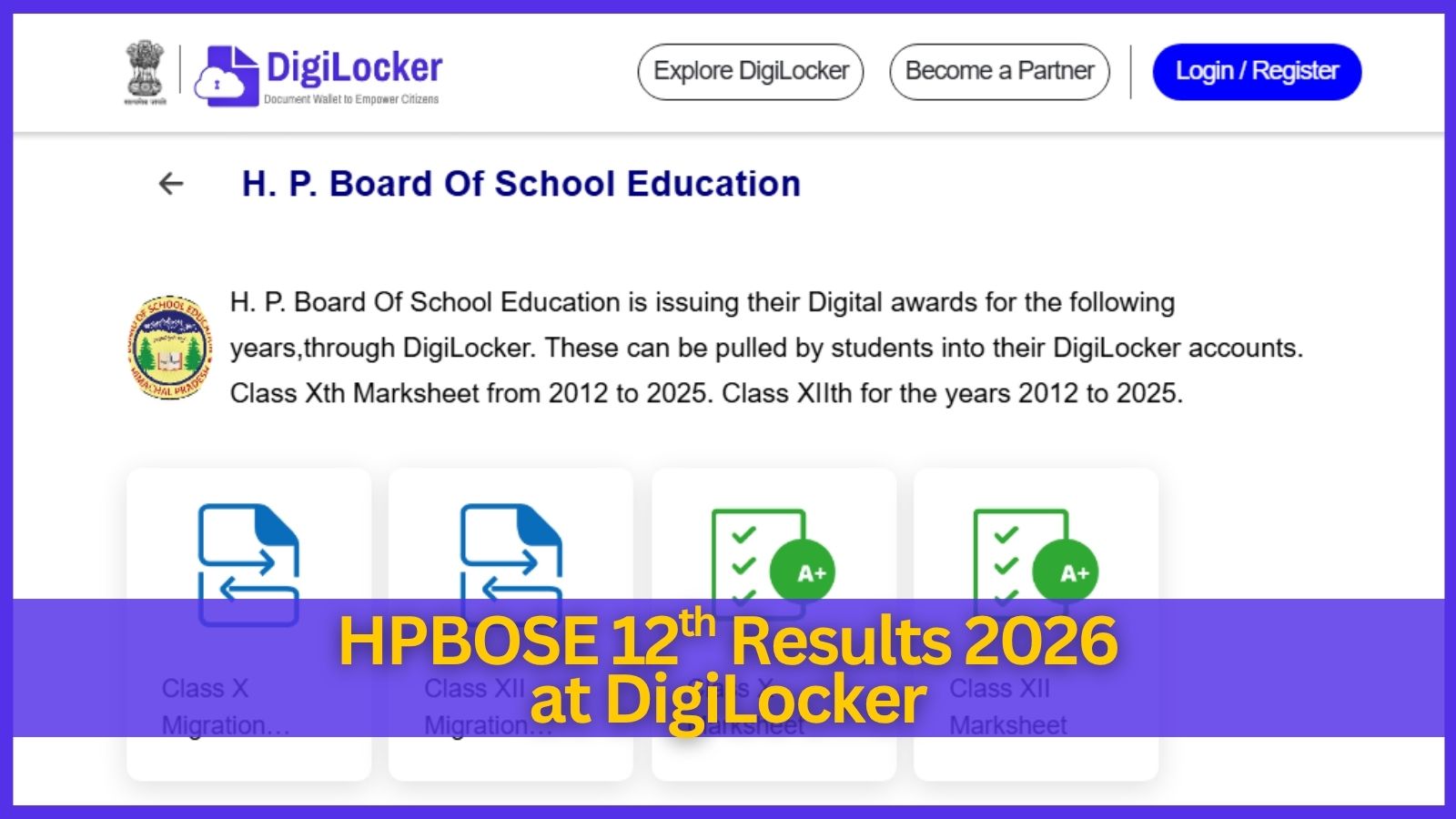
HPBOSE 12th Results 2026: Download from DigiLocker
To download the HPBOSE 12th marksheet 2026 via DigiLocker, follow these steps once the results are declared:
Step 1: Visit the official DigiLocker website or open the DigiLocker app on your smartphone. Ensure you have a stable internet connection to avoid interruptions during login or document retrieval.
Step 2: If you are a new user, click on “Sign Up” and complete the registration using your Aadhaar number and the mobile number linked with it. An OTP will be sent for verification. Existing users can log in using their registered mobile number or Aadhaar and enter the 6-digit security PIN.
Step 3: Once logged in, go to the dashboard and locate the “Education” tab or use the “Search Documents” feature. This section allows you to find academic records issued by various education boards.
Step 4: In the search bar, type ‘Himachal Pradesh Board of School Education’ or ‘HP School..’ and select it from the list of issuers. Make sure you choose the correct board to avoid errors in fetching your document.
Story continues below this ad
Step 5: From the available document list, click on “Class XII Marksheet.” This ensures you are accessing the correct record for the 2026 board examination.
Step 6: Provide your roll number exactly as mentioned on your HPBOSE Class 12 admit card. Select the examination year as 2026. Double-check all details before proceeding to avoid retrieval errors.
Step 7: Click on the “Get Document” button. The system will securely pull your marksheet directly from the board’s database and display it on your screen.
Step 8: Your marksheet will be stored in the “Issued Documents” section of your DigiLocker account. You can open the file, review your details, and download the PDF for offline access and future reference.
Story continues below this ad
The marksheets issued through DigiLocker are digitally signed and legally valid. They are accepted for admissions and official purposes, holding the same value as the original physical marksheets issued by the board.
© IE Online Media Services Pvt Ltd
